"Vores gæster scannede QR-koden mens de stadig dansede. Vi vågnede op til over 400 billeder fra dagen — uden at skulle jagte nogen på Messenger."
AM
Anna & Mikkel
København · Bryllup
The confirmand, the guests, the speeches, the cake table. Collect every confirmation photo from the day in one place with a QR code — no chasing photos via Messenger or email afterwards.
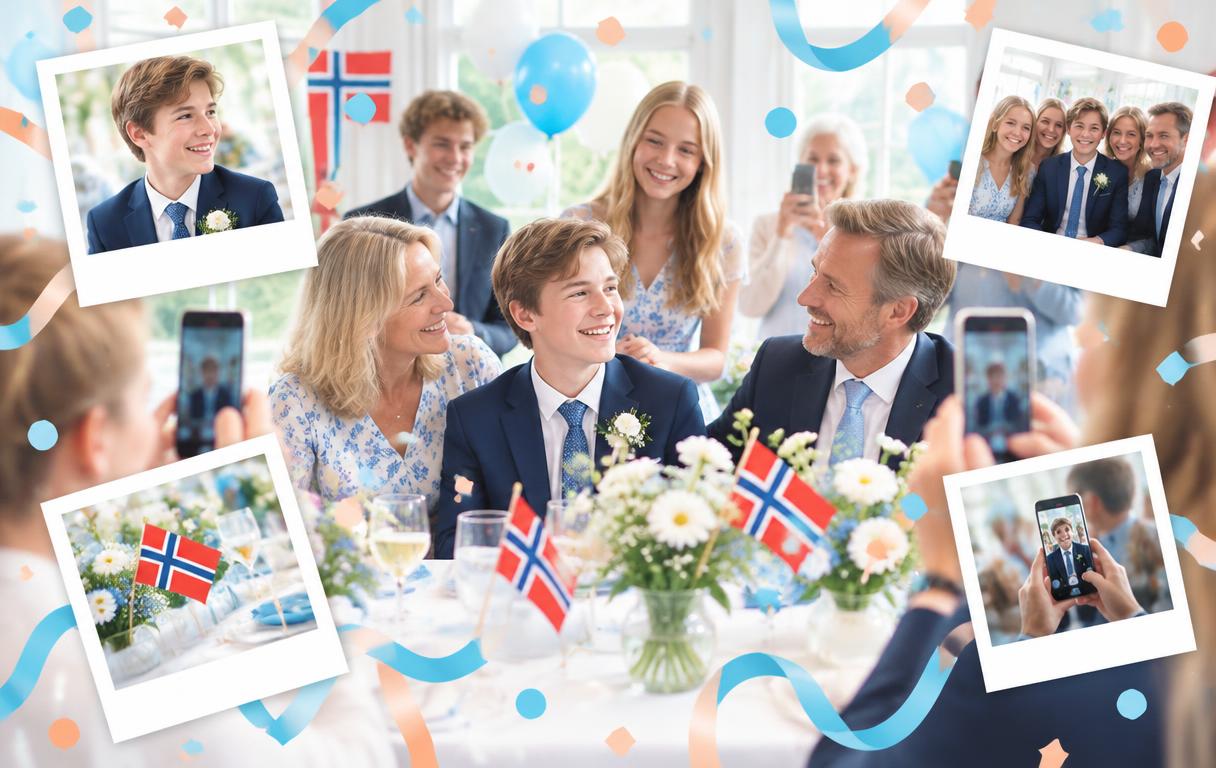
No more ‘Can you send me the photos you took?’ for weeks after the confirmation.
They get their own view and can pick favourites for a photo book.
Grandparents, godparents and friends all upload without any technical help.
Guests can add a written greeting with their photo — and as an add-on record a voice message. The whole day's memories in one place.
Confirmation is one of the few days the whole extended family shows up. Aunts, uncles, godparents, classmates — everyone has a camera in hand. Afterwards the photos are scattered across every guest’s phone.
With Memory Maker you get one QR code to place on the tables, at the speaker’s stand, or on a small poster by the entrance. Guests scan with their phone camera, pick the photos they want to share, and are done in under a minute. It works for the teenage friends and the grandparents alike.
When the day is done, every photo lands in one gallery. Organise them into albums, approve them if you turned moderation on, and download everything as a ZIP archive — ready for a physical photo book.
Beyond the photos, Memory Maker also works as a digital guestbook. When guests upload, they can add a personal greeting, a memory or a congratulation alongside the picture. As an add-on you can enable voice messages, so the voices from the day are saved too. The result isn't just a photo gallery, it's a modern guestbook with photos, words and voices — far more alive than a book that ends up in a drawer.
Add the confirmand’s name and date. Takes under a minute.
Place it on the tables, the guestbook or the menu.
During the party guests upload their photos straight from their phones.
Download every photo at once, or share the gallery link with the family.
You create an event, get a QR code, and place it visibly during the confirmation. Guests scan with their phone camera and upload photos from the day.
Yes. It opens a regular web page in the browser — pick photos, send. That’s it. No app or login required.
Yes. Turn on moderation and every photo is approved before it appears in the gallery.
The gallery is open for 30 days. Within that window you can download every photo for a confirmation photo book.
An event with full access for all guests costs 199 DKK. Voice messages and extended storage are optional add-ons.
Yes. Every upload can include a greeting and the sender's name, and as an add-on guests can record a voice message. You end up with a full digital guestbook of photos, text and voices from all your guests — ready to download and keep.
Rigtige hverdagsmennesker, der har samlet deres minder med Mindesky.
"Vores gæster scannede QR-koden mens de stadig dansede. Vi vågnede op til over 400 billeder fra dagen — uden at skulle jagte nogen på Messenger."
"Bedstemor fik også uploadet sine billeder. Det siger det hele. Super nemt og hyggeligt at se det hele samlet ét sted."
"Talerne blev optaget som lydhilsener i stedet for at gå tabt. Min far græd da han hørte dem igen ugen efter."
"Vi sparede en fotograf og fik alligevel et komplet album. Voice-beskederne fra fadderne er guld værd."
"Gæstebogen blev fyldt med beskeder uden at nogen skulle række ud efter en kuglepen. Perfekt til en aften hvor alle har et glas i hånden."
Vi viser eksempler indtil vi har offentlige anmeldelser fra rigtige kunder.
Opret din QR-fotobog nu og print eller del koden med gæsterne, når du er klar.
Create confirmation eventLavet med kærlighed